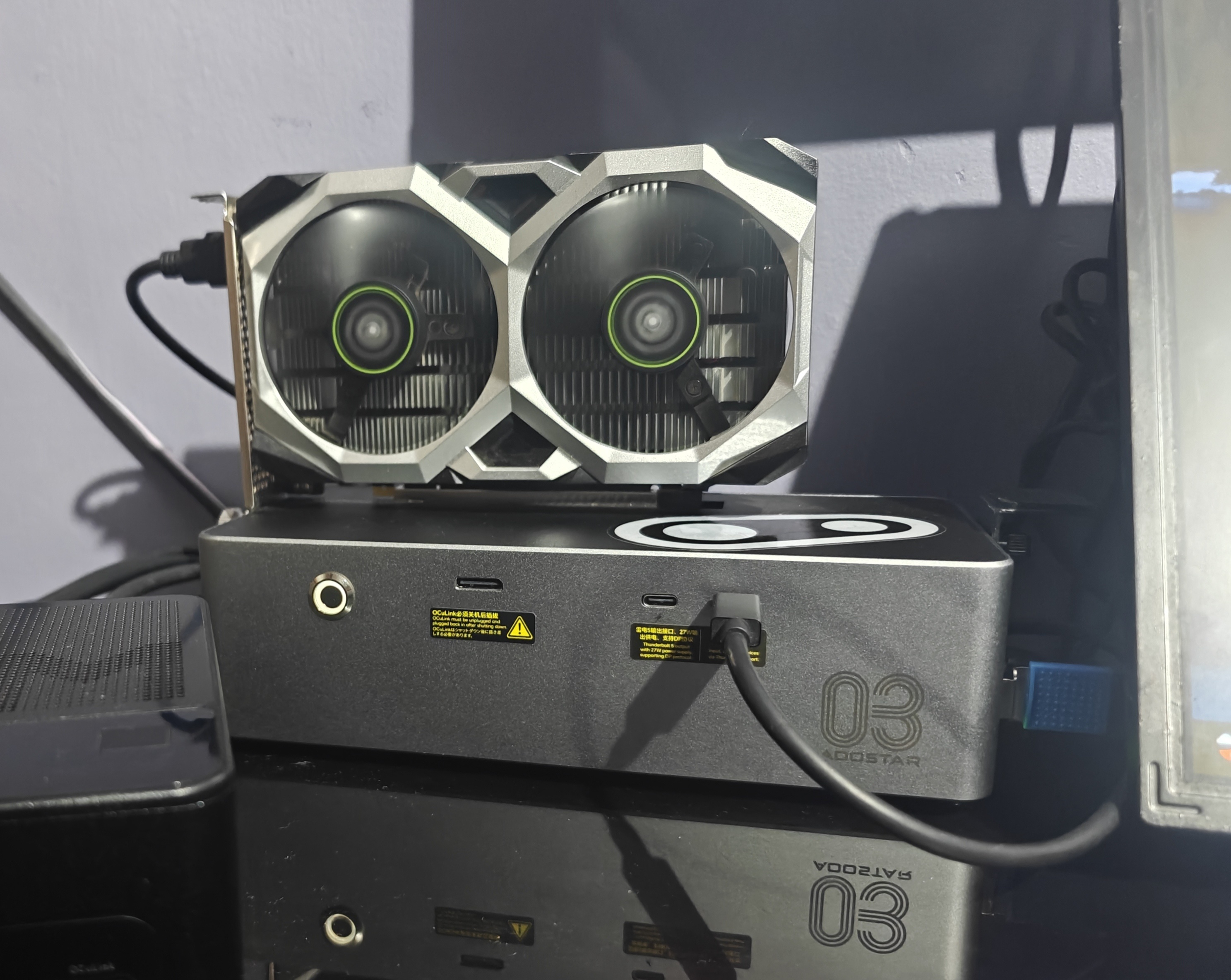
The setup
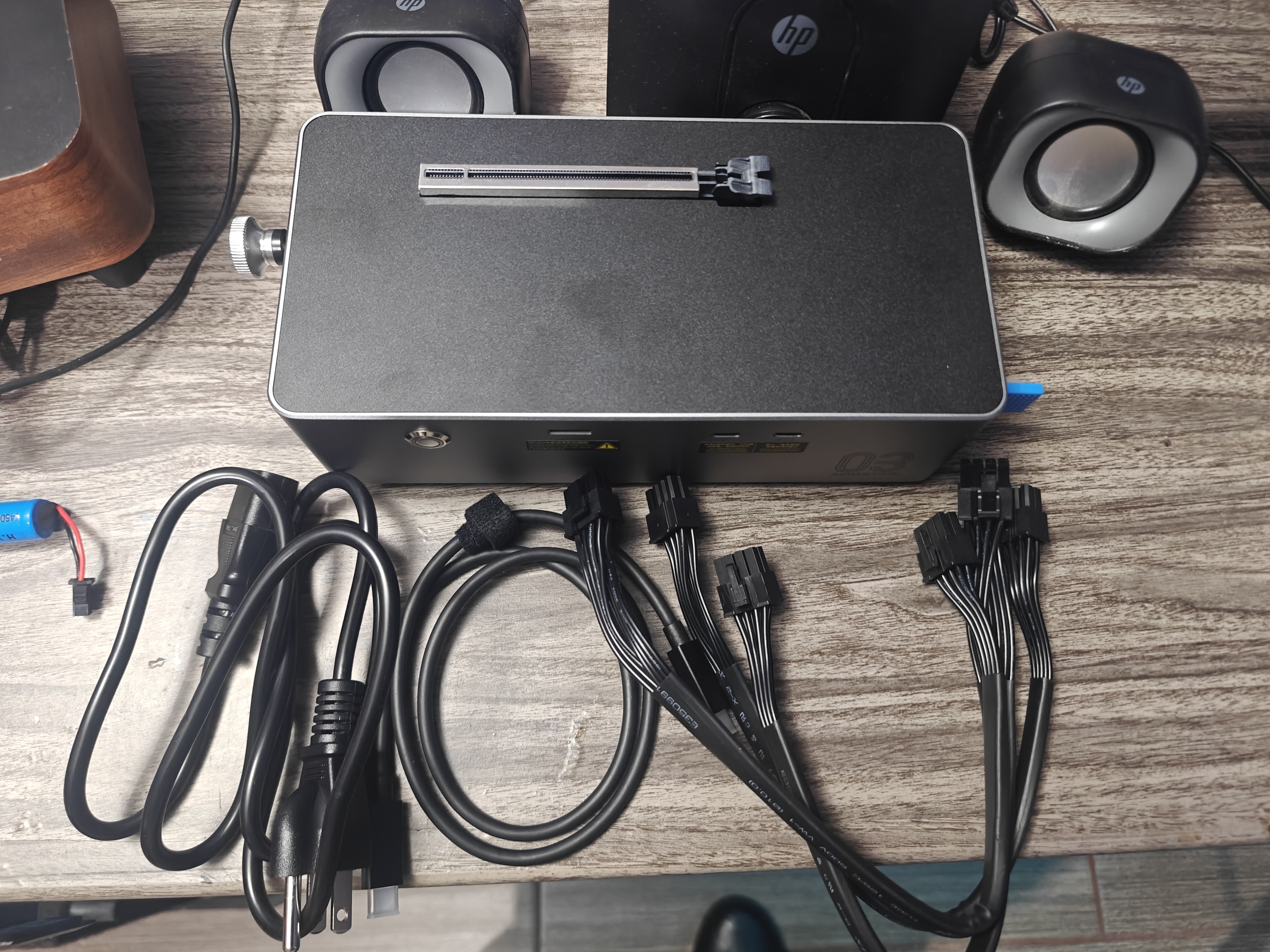
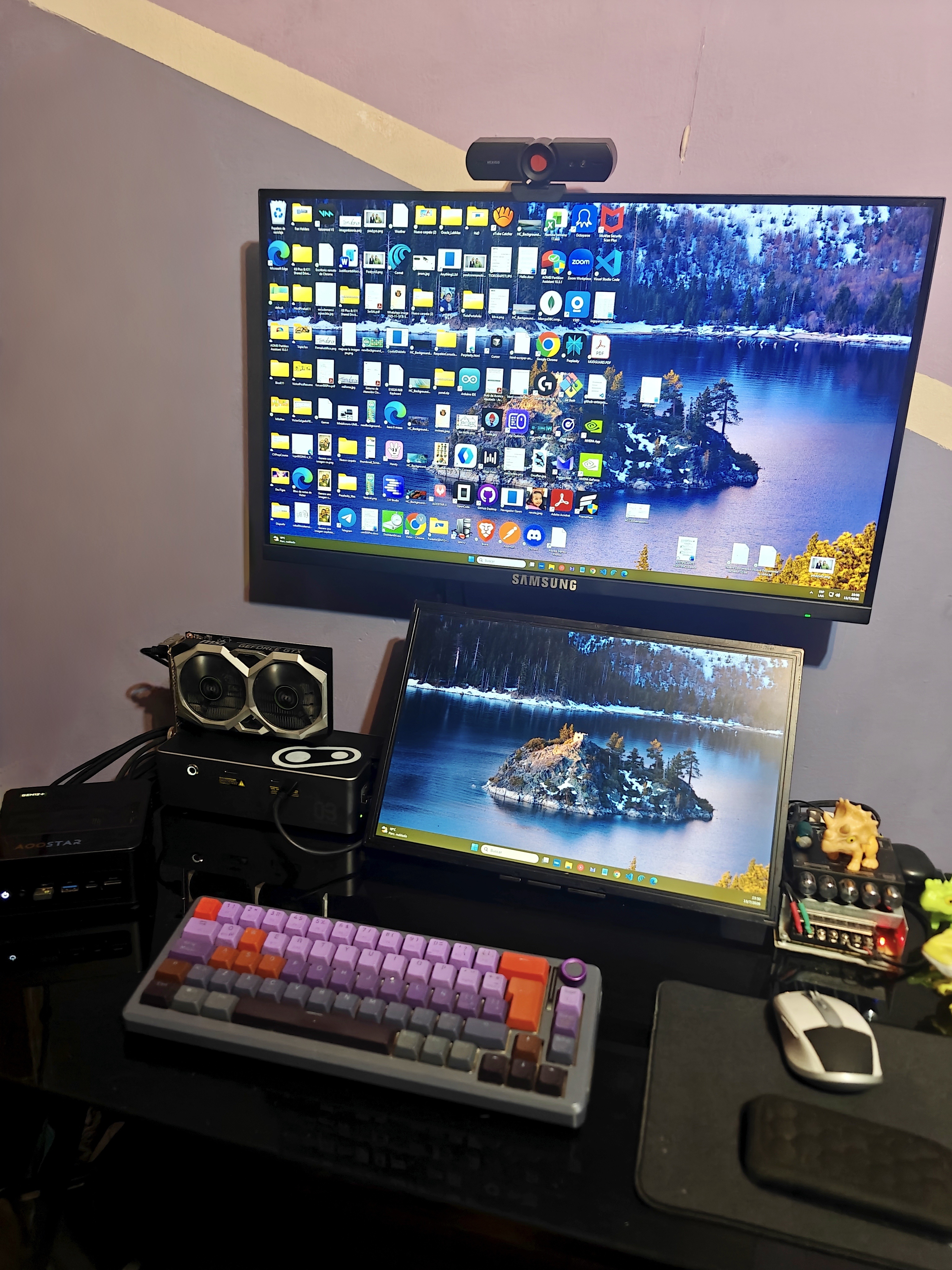
- Dock: AOOSTAR AG03 eGPU dock
- Host: AOOSTAR GEM12+ Pro mini PC (Ryzen 7 PRO 8845HS, Radeon 780M iGPU)
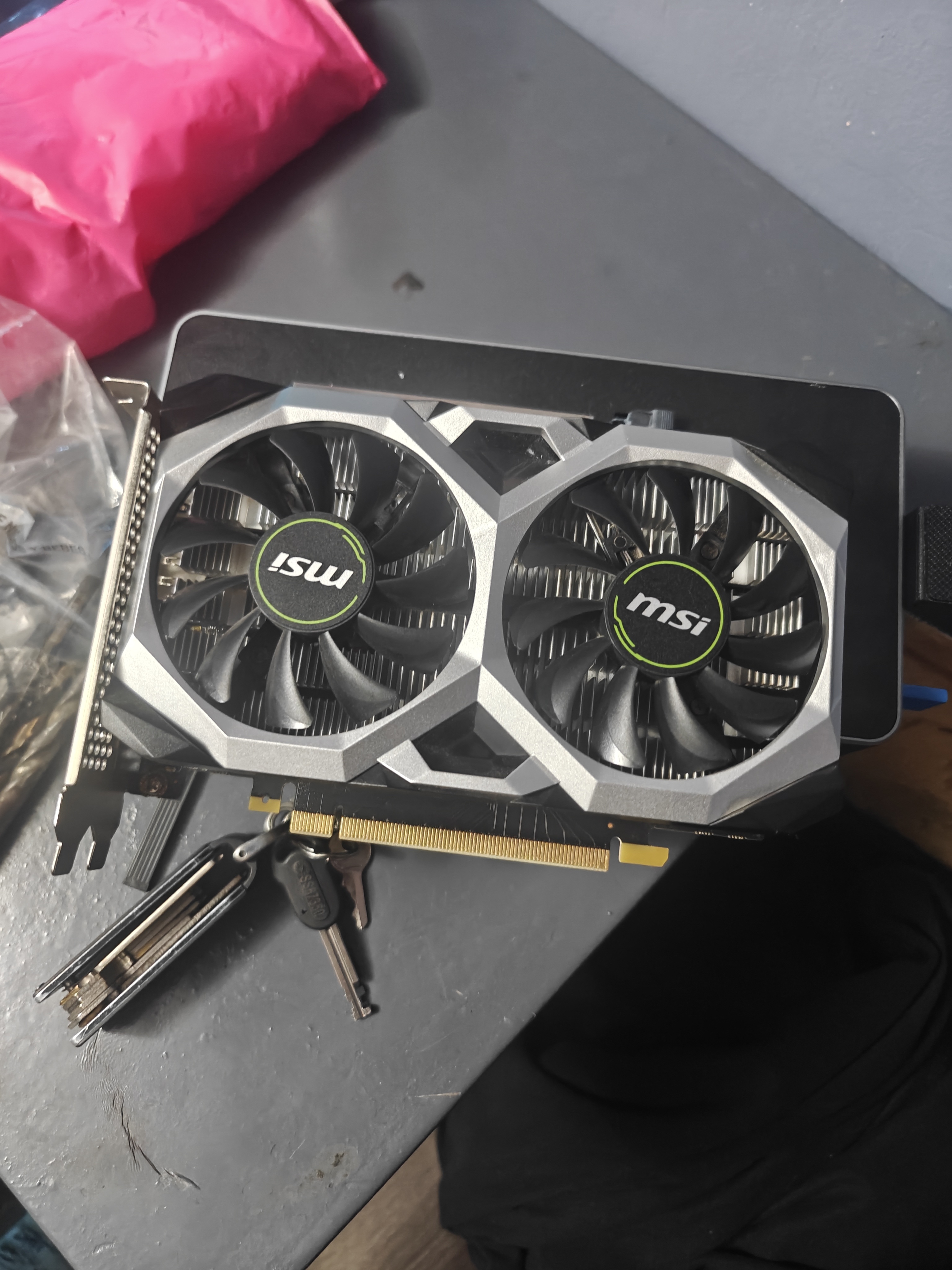
- GPU under test: MSI GeForce GTX 1630 Ventus XS 4G OC
- Previously attempted: Radeon RX 6700 XT (never became a realistic match on this dock)
- 32 GB RAM, Windows 11, ComfyUI Windows portable NVIDIA/CUDA build (embedded Python 3.13.12)
Results
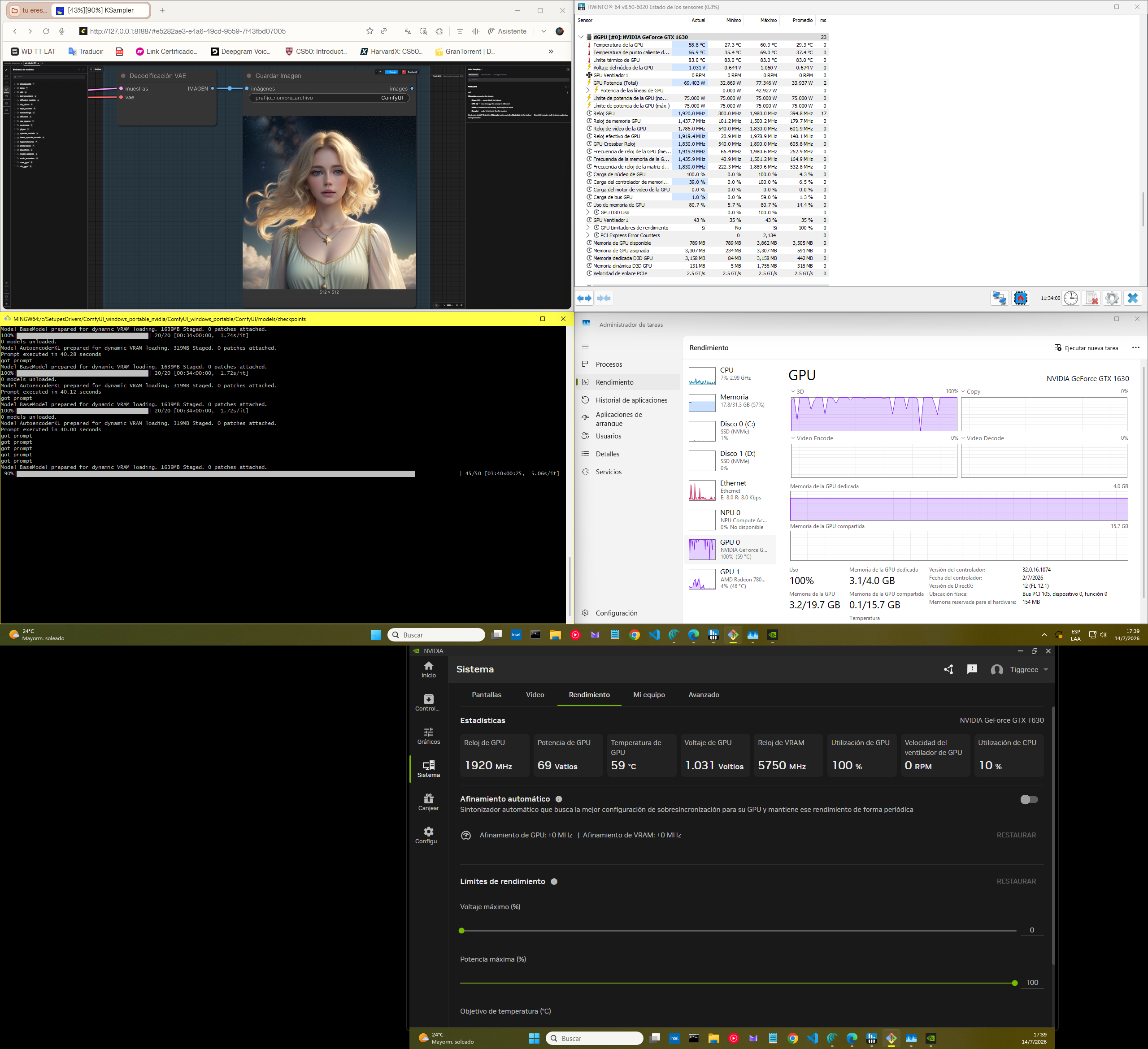
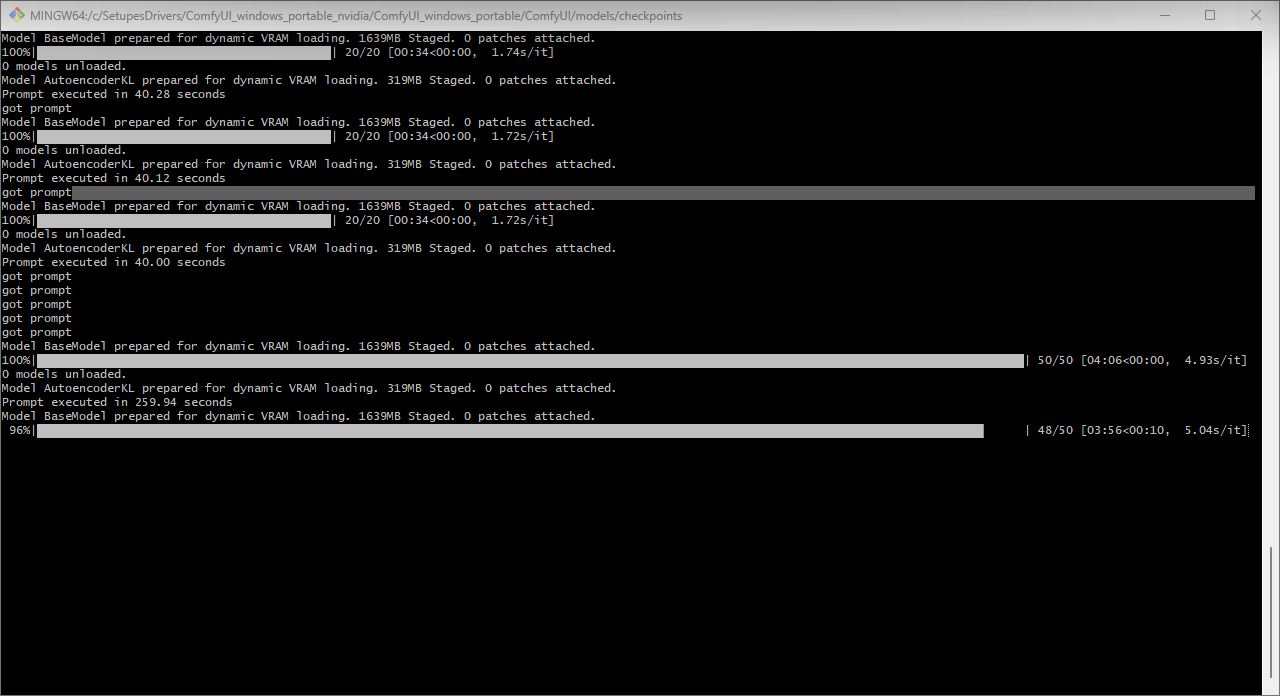
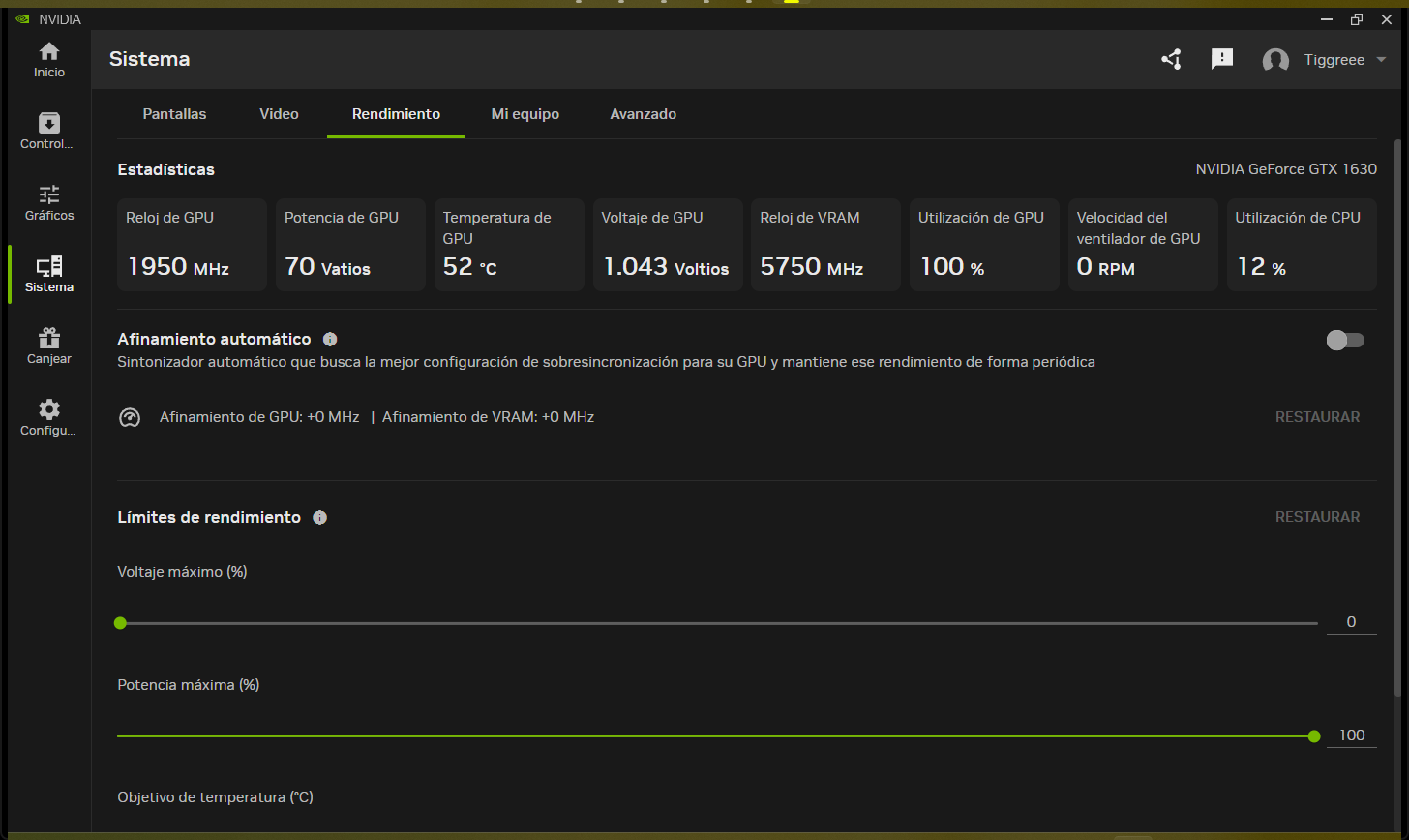
Cross-checked between Task Manager, the NVIDIA panel, and the ComfyUI console, a single 768 x 768 image at 50 steps finished in roughly 259 to 262 seconds, or about four minutes and twenty seconds. For a card at the bottom of the modern GPU ladder, that is better than I expected.
| GPU usage | 100% |
|---|---|
| VRAM used | 2.7 to 3.1 GB of 4.0 GB |
| Model / VAE staging | 1639 MB / 319 MB |
| 20-step runs | ~40 seconds |
| 50-step runs | ~259 to 262 seconds (~4.9 to 5.0 s/it) |
| GPU clock / VRAM clock | ~1935 to 1950 MHz / ~5750 MHz |
| GPU power | ~68 to 71 W sustained (brief peaks to ~77 W) |
| GPU temperature | ~52 to 61 C |
What I ran
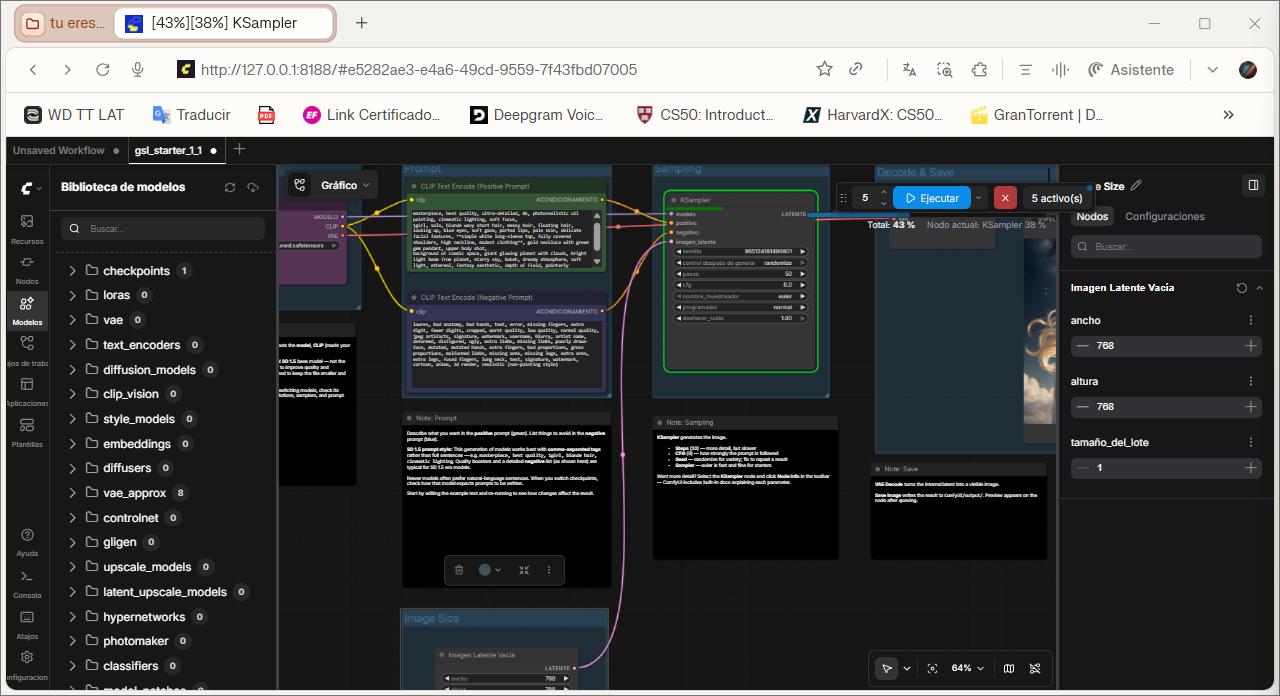
The workflow was intentionally simple: an SD1.x txt2img graph at 768 x 768, 50 steps, batch size 1, no LoRAs, no refiner, no upscalers. ComfyUI loaded the VAE on cuda:0, staged the base model and the AutoencoderKL with dynamic VRAM loading, and ran cleanly from 0/50 to 50/50 once I fixed a missing output node (the classic prompt_no_outputs mistake).
What broke, and what I learned
After a successful long run, a later prompt crashed with a CUDA "unknown error" pointing at torch.cuda.synchronize() and cache cleanup. That usually means the CUDA / PyTorch / driver stack landed in a bad state, not that the graph became invalid. One crash happened right after I touched the back of the card while it was powered and under load, so the lesson stuck: once the dock is live, hands off the card and the cables.
Two more honest notes. Power behavior is not obvious; a button that does not feel like a main switch ends up acting like one, and I had to adjust BIOS so the mini PC and dock would fully shut down instead of staying warm. And the cabling looks premium in photos but becomes its own project on a real desk, which is why the layout got rebuilt around it.
Takeaway
This was never about building a monster AI machine. It was about getting real, usable results out of a compact setup, hitting the limits the hard way, and coming out of it understanding the hardware far better than when I started. A bottom-tier GPU on an eGPU dock can still do meaningful local-AI work, as long as you test instead of assume.